Magic Trackpad 2 or: How I Started to Prefer Gestures and Taps to Gripping and Clicking
Magic Trackpad 2 or: How I Started to Prefer Gestures and Taps to Gripping and ClickingAbout three months ago I heard of someone using a trackpad with their non-dominant hand at their Mac. Now I’d heard of such a use before but this time I had a trackpad lying around. I’d gotten it with my Mac instead of a mouse because I already had a mouse, but had stashed it away. So I got it out and set it up for my left hand.
A month passed. I was using it rarely. One day the battery in my mouse ran out in the middle of the workday, so I plugged it in and moved the trackpad over to the right side.
A day passed, and the mouse had long been charged, so I unplugged it, but for whatever reason I kept using the trackpad.
A week passed and I realized that I was liking the trackpad a lot more than the mouse. So I put the mouse in the closet.
Now two months have passed and I can’t think of going back. The gestures are intuitive and I’ve found several operations to be a lot smoother.
I’m a happy Magic Trackpad 2 user 😊.
Colors of Spring from around the neighborhood.


Dogwood at sunset.


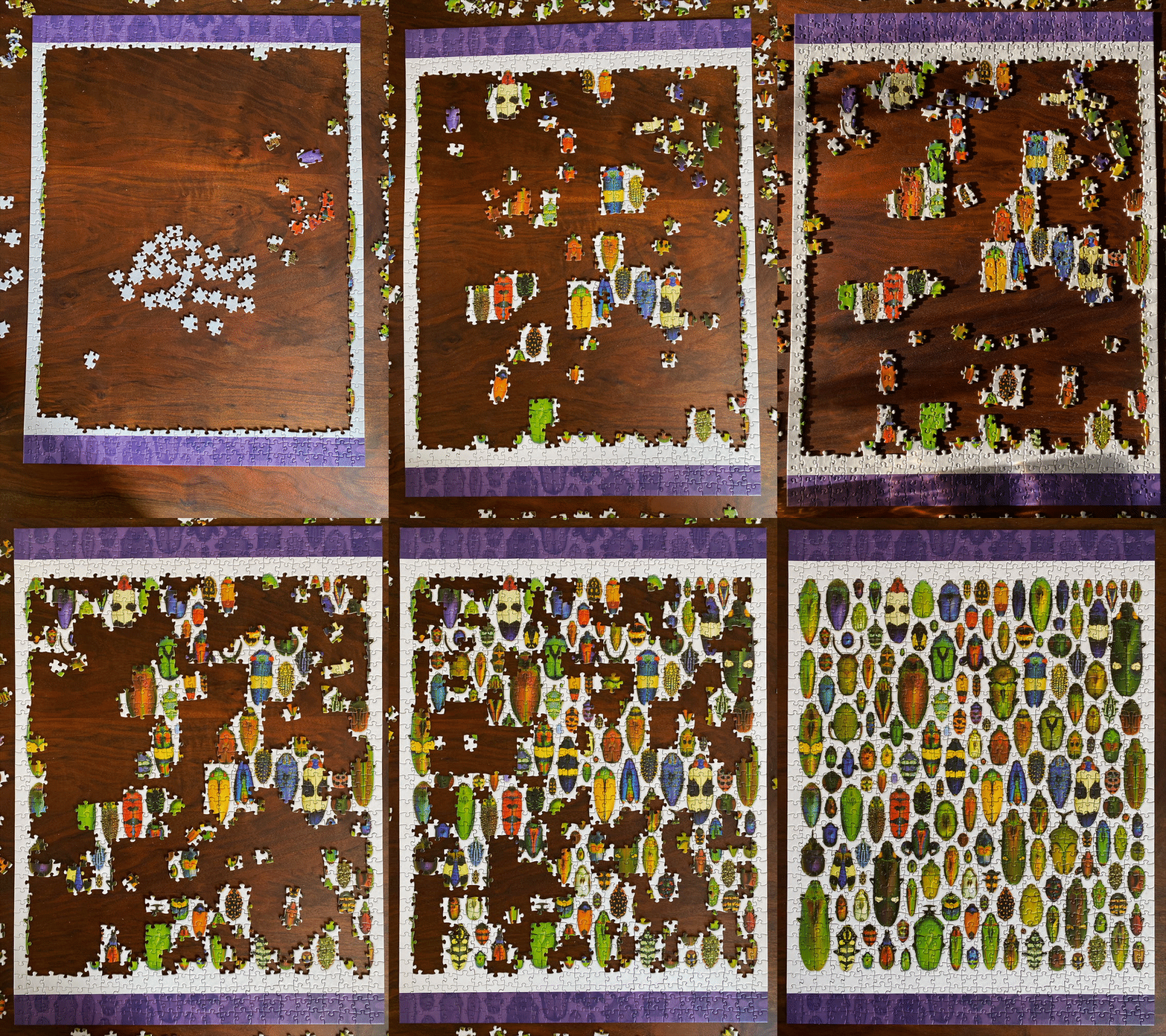
It took a while but I finally finished this puzzle over the weekend. Jenni helped with about 20% of it.
When Siri doesn’t understand my accent or the concept of dal.

We’re taking care of each other in this neighborhood.

My most used emoji seems to be transitioning from 😂 to 🤞
A day off from work was a good idea. We went for a hike at Coyote Wall.

The trails have a gentle grade and there’s plenty of room to distance ourselves when we come across other people.


Lovely views. Small streams and falls. Birds and flowers.

We’d gone there last April as well. This time around we just did a four mile loop.
If you subscribe to Adobe Creative Cloud, here’s how you can get two months free at this time:
petapixel.com/2020/03/1…
It worked for me.
It was pretty lovely outside today.
